Studio
A clean studio portrait on a neutral backdrop — a universal headshot for any platform.
Before and after
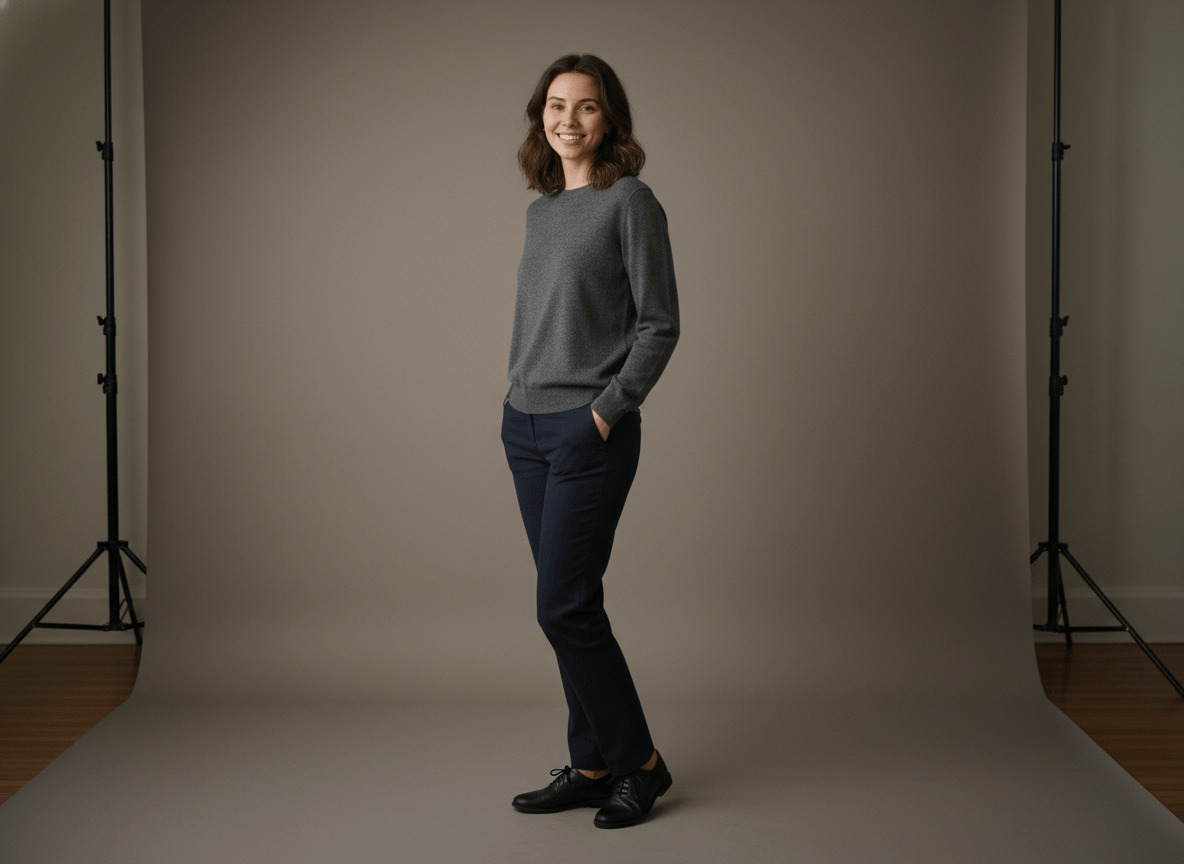
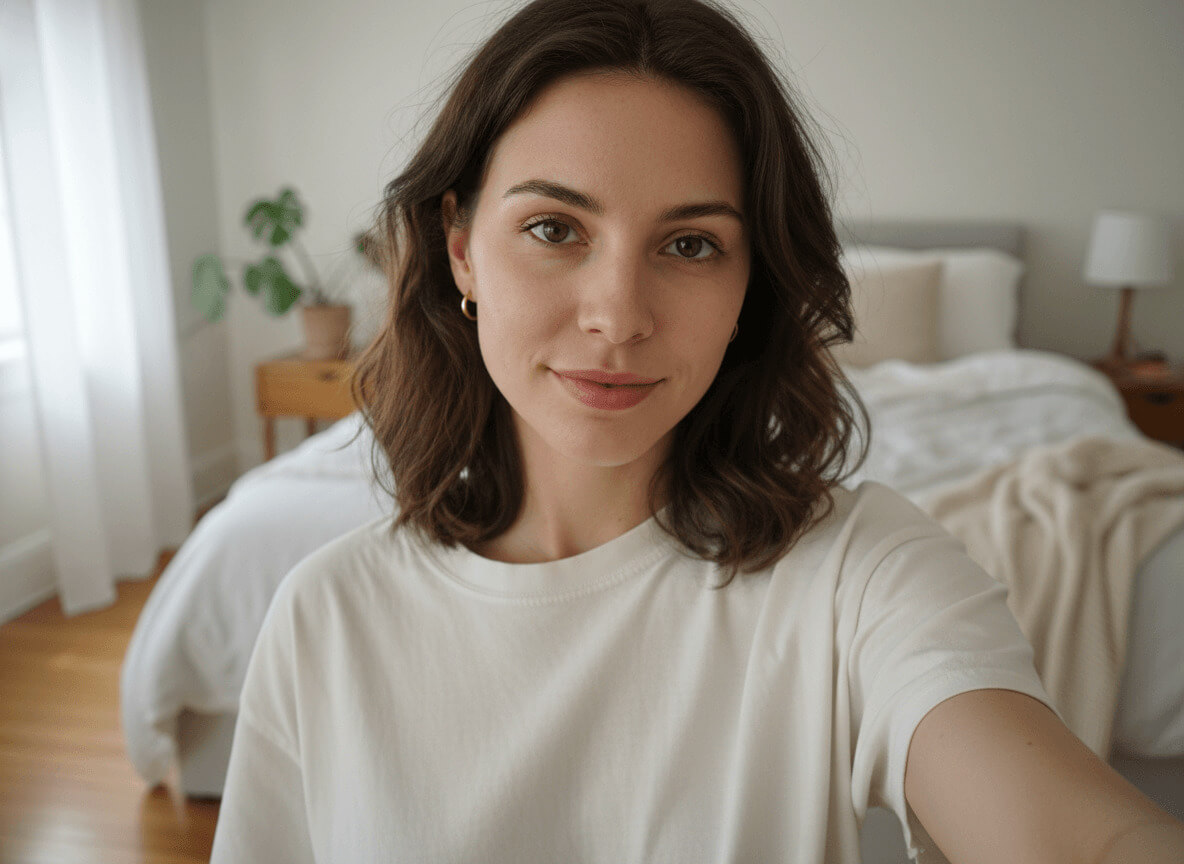
When a studio photo for dating works
A studio photo is the most universal portrait you can have. A single shot on a neutral grey backdrop covers Tinder, LinkedIn, resumes, Telegram and a corporate site. On dating apps it often becomes the main photo: nothing distracts from your face, and the emotion reads instantly.
The style especially helps when you need one shot for everything. Our AI studio photo generator takes your selfies and in a couple of minutes builds a medium-format-quality portfolio — a neural photoshoot without renting a studio, a makeup artist or a one-hour shoot. It's a headshot from a selfie that you'd be comfortable sending to HR or putting on LinkedIn.
What you'll get on your photo
A professional photo studio with a seamless backdrop in heavy paper, warm neutral grey (around 50%, with a subtle warm undertone). The backdrop transitions in a smooth gradient from slightly lighter near the shoulders to slightly darker at the edges of the frame, with no seams, folds or texture. In the frame — only you and the backdrop: no furniture, no props, no light stands. If the floor shows, it's matte dark grey and blends into the backdrop without a visible horizon line.
You're wearing a simple charcoal grey sweater in fine merino wool with a crew neck — no prints, no logos, with a premium fit. Below — solid charcoal or dark indigo straight-cut pants with a tapered finish at the ankle and simple black leather shoes (visible only in full-length crops). Hair — natural, neatly styled like the reference. Makeup — editorial-natural: glowing skin with visible texture and pores, light mascara, a neutral lip tone. No jewelry, no watch, no scarf — focus only on the face.
Lighting is a professional editorial scheme: a large softbox at 45 degrees on the left as the key, a white reflector on the right as soft fill, a strip softbox behind as a separator for hair and shoulders, and a separate light on the backdrop. The pose and expression shift: a classic head-and-shoulders shot in one, a three-quarter turn in another, a seated waist-up frame in a third. Quality matches editorial portraits in Vogue Portraits or The New York Times Magazine.
How the studio photo generator works
To generate a quality studio photo, upload 3–5 front-facing selfies, choose how many shots you want — and wait a couple of minutes. From there the AI generator takes over: it analyzes your facial features, places them on the seamless grey backdrop under professional light, and builds the portfolio in three steps.
- Upload up to 5 front-facing selfies in daylight — face fully in frame, no glasses or caps. The clearer your features, the more accurately the AI keeps your likeness.
- Choose how many photos you want in the style — starting from 1 shot. Each studio shot costs 20 credits, and the total pack price is calculated automatically.
- Wait a couple of minutes. Generation usually takes 2–4 minutes; during peak hours, up to 10. Once your pack is ready, you'll get a notification and can download any photo at full resolution.
Where to use it
LinkedIn is the main scenario: an AI studio portrait works as a resume photo, a LinkedIn avatar, a corporate portrait for the company website, a press-release frame. The same neural-network headshot drops easily into Tinder, Hinge and Bumble — especially as a main photo, when you want nothing to distract from the face and the gaze.
Then — Telegram, the cover of a personal site, an avatar on any social network, a conference photo, a profile in a professional community. One pack — five or six platforms. No other style covers as many scenarios at once.
Selfie tips for the best result
The quality of your input decides the quality of the final frame. Shots in dim light or under a yellow lamp throw off the model: the face "drifts," skin tones turn yellow, and the AI starts inventing features.
- 3–5 front-facing selfies, face in focus and fully in frame.
- Daylight from a window or soft shade outside — no direct sun on your face.
- No dark glasses, caps, masks or thick scarves.
- Different angles: straight-on, a slight head turn, a touch from above and a touch from below.
- A clean or at least calm background — no other people or bright text.
Related styles
If you want a backdrop with context instead of clean studio, take the business portrait — the same composed tone but in an office with panoramic windows. For warmer, livelier shots without the formality, go with the casual portrait. And if you need a personal, at-home angle, choose the home portrait: a warm window, sofa and a coffee mug instead of a grey backdrop.