The selfie checklist for AI generation
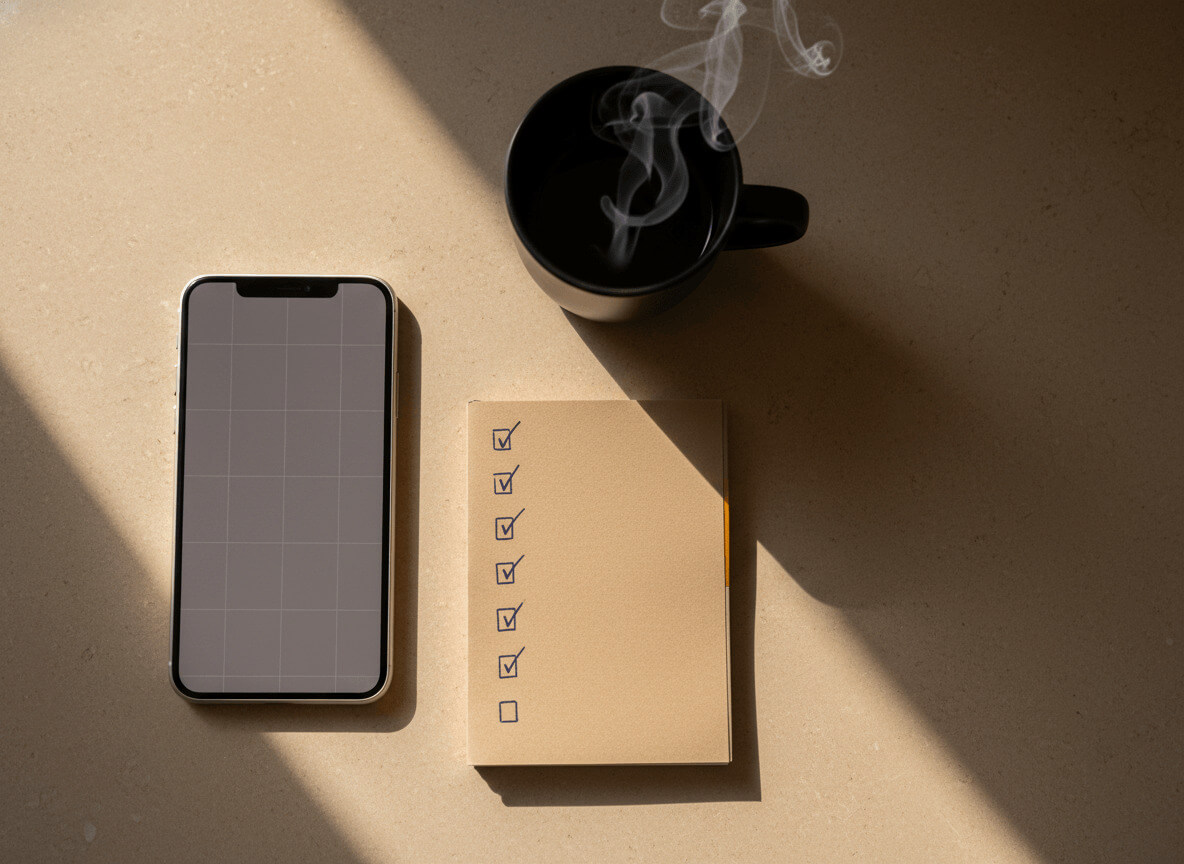
The quality of your AI photo is 50% determined by the selfie you upload. The neural network pulls the essentials from your shot — facial features, skin tone, proportions — and transfers them into a new scene. The cleaner that input data, the more accurate and natural the result. Here's a detailed AI selfie checklist that actually moves the needle on the final photo.
Lighting: even and soft
The most common reason for a poor result is shadows. Harsh sun from above, a side lamp or screen glow create uneven lighting that the model may "correct" in unexpected ways — and that doesn't always look natural.
What to do: shoot in daylight near a window with diffused natural light. An overcast day is ideal. Outside, avoid direct midday sun — early morning or after 4 PM is better. Warm artificial light at night is acceptable if it's even and without a hard shadow source.
Angle: straight-on or a slight turn
A direct camera angle (0°) or a 20–30° turn is the sweet spot. At those angles, the AI reads your face most accurately and transfers it into the new scene without artifacts.
Avoid shots from the side, from below or from a sharp angle above. The "selfie stick from above" angle technically gives a flattering shot, but it distorts facial proportions — and the AI will reproduce that distortion in the final frame.
Expression: natural, not forced
A clenched jaw, raised shoulders, an over-wide smile — all of that gets read by the model and affects the result. What works best is a relaxed expression: a soft smile or a neutral gaze.
Tip: take 3–4 shots in a row without intentionally posing. Among them there's almost always one with a natural look. That's the one to upload.
Background: neutral or uniform
The AI "cuts" the background and uses only your face — but if the background is busy and chaotic, the silhouette edges can blur and facial detail can suffer. A wall, a sky, a solid curtain — perfect.
What definitely interferes: other people in the frame, a bright pattern on the wall behind you, a window with a landscape "shining through" your hair.
Sharpness: no blur, no filters
Beauty filters, "portrait" blur and processing in apps smooth out skin texture and feature detail. The AI tries to recover what's there — and if there's no detail, it "imagines" it. That hurts likeness.
Shoot without filters, in standard camera mode. If your phone has a portrait/bokeh mode — turn it off for the input selfie.
File size and quality
Minimum resolution — 512x512 pixels. Better — 1024x1024 or higher. Supported formats: JPG, PNG, WEBP. Maximum file size — 10 MB.
Photos from modern smartphones (last 3–4 years) usually meet these requirements automatically. Screenshots, compressed messenger images, or photos saved from social media feeds — worse options.
Quantity: 3–5 different angles
One perfect selfie is better than five mediocre ones. But 3–5 different shots give the neural network more reference points for reproducing your face — and the result comes out more convincing.
Recommended set: one straight-on (frontal), one at a 20–30° angle to the left or right, one with a soft smile. Three shots like that in good light are enough for a quality generation.
Clothing and accessories: not critical, but worth knowing
What you're wearing in the selfie doesn't affect the result. The AI generates clothing based on the chosen style: a business suit for the business portrait, casual clothing for casual, workout gear for the gym. Your real clothing simply doesn't make it into the final frame.
Accessories (glasses, earrings, hats) usually don't transfer either. If they're an important part of your look — note that in the comments or just check the result.
Group photos: better avoided
If there are several faces in the frame, the AI can "get confused" or pick the wrong face. Upload only shots that clearly show your face and only your face.
If you don't have any solo photos, take a new one — it takes a minute. Our requirements are simple: daylight, wall behind you, look at the camera.
Quick checklist
- Even diffused lighting (window during the day or an overcast outside)
- Frontal angle or up to 30° turn
- Natural expression, no tension
- Neutral uniform background
- No filters or blur
- Minimum 512x512, JPG / PNG / WEBP up to 10 MB
- 3–5 different shots for the best result
- Only your face, no other people
Ready to generate?
If your selfies meet at least 6 out of 8 points, the result will be good. For tips on which photo to put first in your profile after generation, read our article "How AI picks the best Tinder photos".
Head to the styles catalog, pick up to 8 styles in a pack and upload — your first 5 photos are free with the 100 trial credits you get on signup.